Sajilo Perks Extension
The fastest, safest way to gather comments for your TikTok and Instagram Giveaways securely and locally.
Ready to Install?
Because we value speed and privacy, our extension runs locally on your browser. Follow the 4 simple manual installation steps below.
How to Install (Manual Developer Mode)
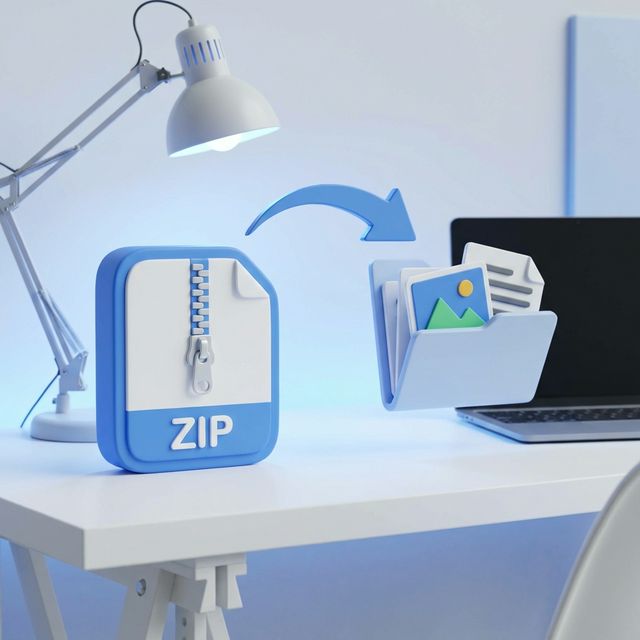
Extract the downloaded ZIP
Find the sajilo-extension-v1.1.42.zip file in your Downloads folder and extract/unzip it into a standard folder.
Open Chrome Extensions
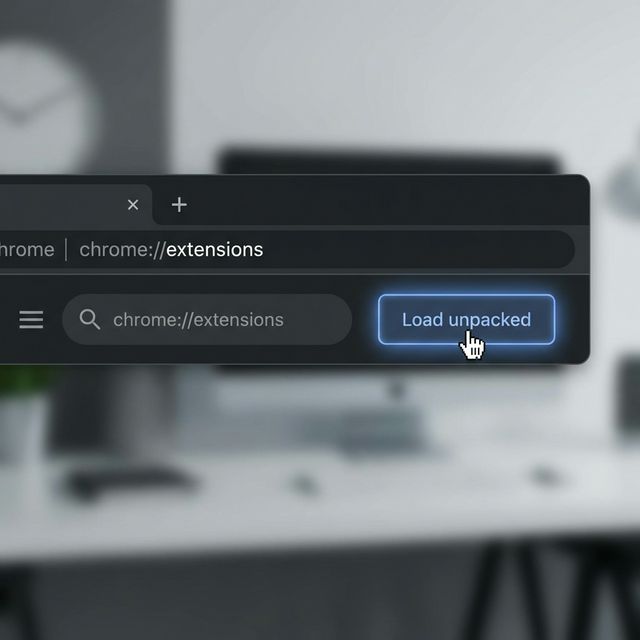
Open Google Chrome. In the Web Address bar, type chrome://extensions/ and press Enter.

Enable Developer Mode
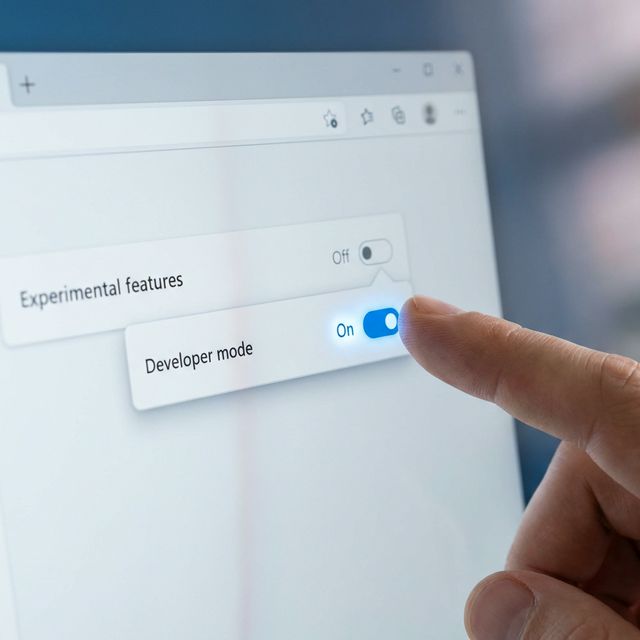
In the top-right corner of the Extensions page, turn on the toggle switch for Developer mode.
Load the Folder
Click the Load unpacked button that appeared in the top-left area. Select the exact folder you extracted in Step 1.
✅ Success! The Sajilo Perks logo will appear in your Chrome toolbar. Ensure you are logged into sajiloperks.com, then visit any TikTok URL to begin gathering comments!